Coming soon
Find your middle.
middlemeet finds a fair place for friends to meet. It compares each person's travel time, so nobody gets the long trip.
Coming soon to the App Store
For iPhone, iOS 18 or later.
Finding the middle
Routing you + Sam…
The run
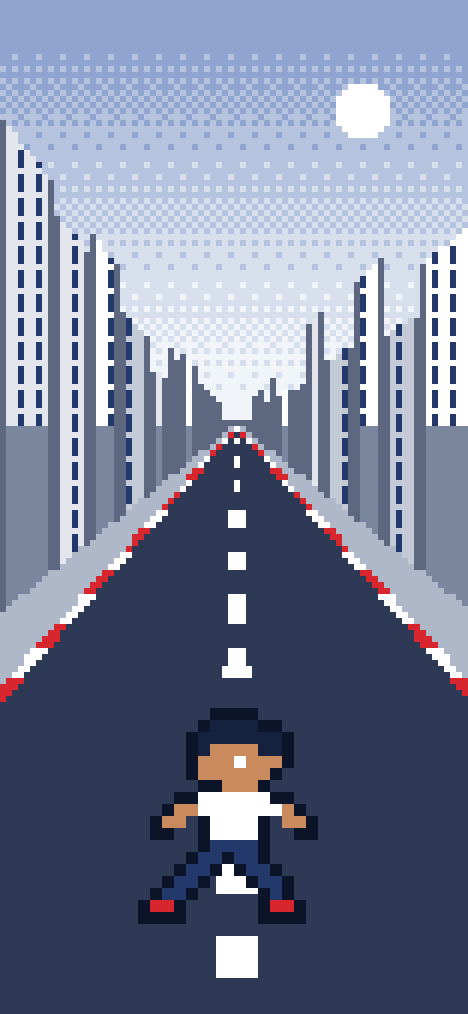
The wait is a run
Tap Meet and your Runner sprints down a pixel street while middlemeet works out everyone's travel times. A short run to the middle, then the place appears.
You pick a skin and an outfit for your Runner when you set up your profile.


The result
Every place gets a fairness label
The result names one place in the middle and ranks the other options by fairness. Each carries one of four labels, set by the gap between people's travel times.


Everyone's time
Each person's trip, side by side
The result shows how long each person travels and how: walk, bike, transit or drive. On a long trip you can switch your own row between flying and driving, and middlemeet works the middle out again.


Groups
Groups of up to 100
Make a group, share its link, and meet the whole group in one tap. In each group you choose how the others see you: off, approximate (about 1 km) or precise.


Long distance
Far apart? Meet by air
When two people are more than 600 km apart, middlemeet offers two places: a city in between, with about equal flights for both, or the exact middle of the map. Each person sees their flying time and their driving time.

Replay
Replay the trip
After the meet, watch your route again as pixel art: the street on foot, the globe in the air. Save it as a video and share it.


Your location, your call
You choose who sees you
For each friend and each group: off, approximate (about 1 km) or precise.
Pause any time
For an hour, until tomorrow morning, or until you turn it back on.
No ads, no analytics
middlemeet uses no analytics or advertising tools and does not sell your data.